How to Review a File Shredder Queue Before Confirming
Review full paths before confirming permanent disposal when a temporary copy and a file you still need have the same name.
Download PCMate Free File ShredderWindows installer · Installation guide
Same filename, different folders
A temporary handoff folder and your archive both contain a file named export.csv. You only want to dispose of the ordinary working copy.
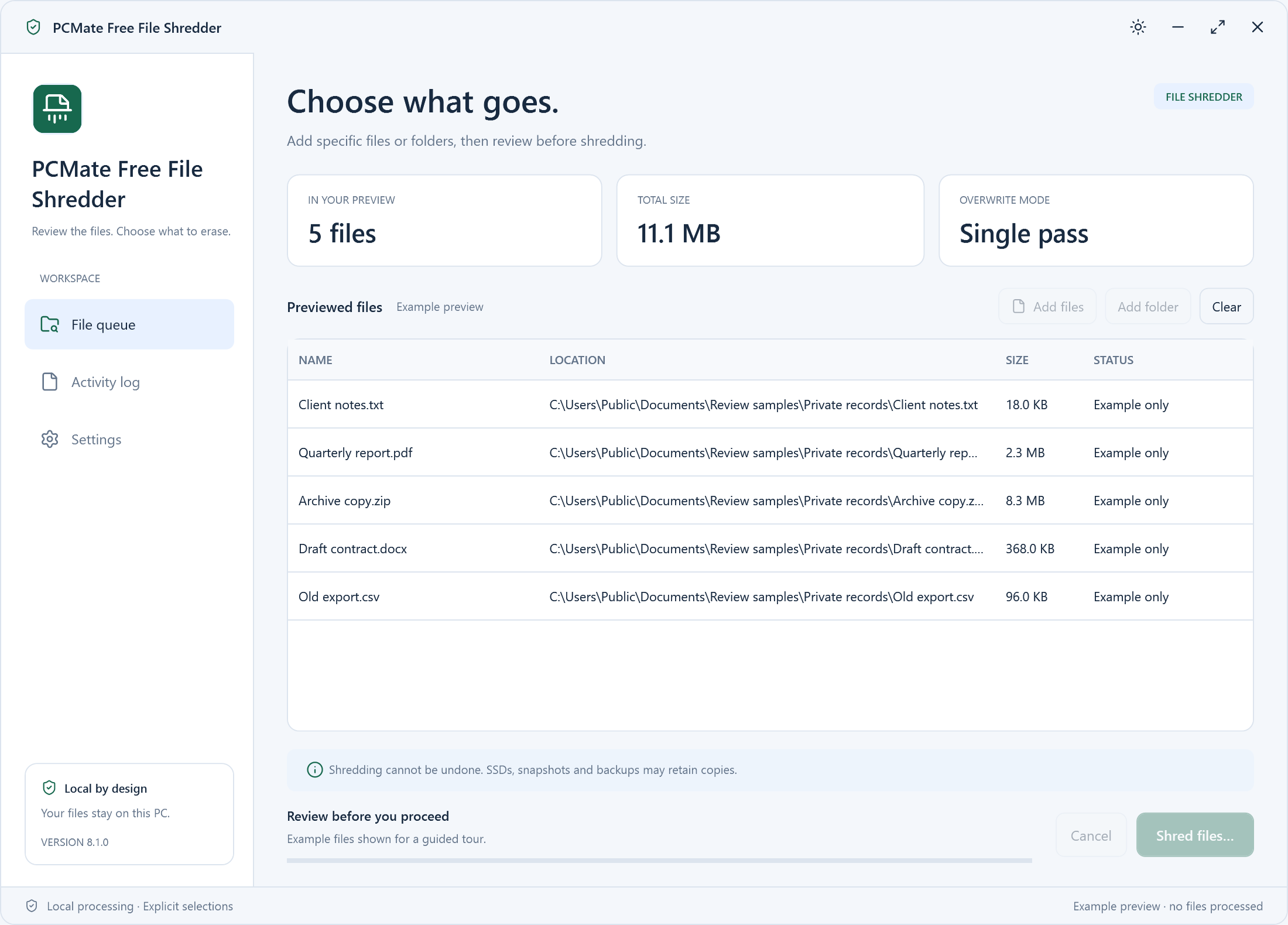
Review every full path before confirming
- Open the archive copy first and check it contains the data you are keeping. Copy the full path of the finished working file from File Explorer.
- Add only the working copy to PCMate Free File Shredder. Read the list from top to bottom and clear any entry whose location you cannot verify.
- Confirm for the reviewed files only. Look at the reported result and check from File Explorer that the archived copy still opens.
Account for copies in synced folders
A synchronized folder can have versions on other devices or in the cloud, and an SSD can manage physical storage independently. The application’s result applies to the selected local files.