How to Test a File Vault Backup Before Removing Originals
Open a sample from your encrypted archive before relying on it as a backup.
Download PCMate Free System CareWindows installer · Installation guide
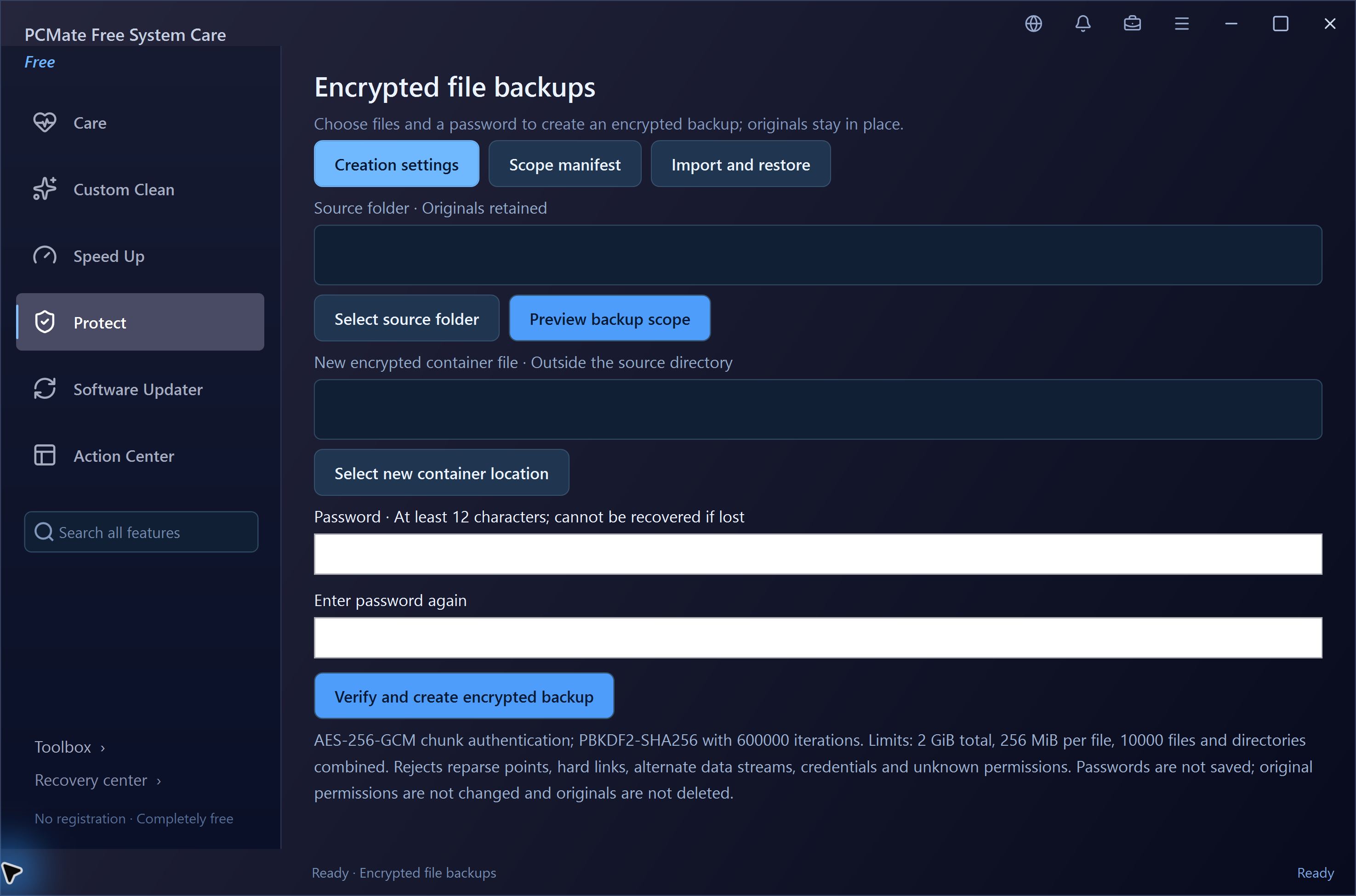
Keep the originals for a restore test
You created a .cbvault package for some personal documents and are deciding whether you can remove the extra working copies.
Restore a sample to a separate folder
- Leave the source documents in place. Open the finished .cbvault package using the password you recorded for it.
- Restore into a separate test folder so the extraction leaves your working files alone. Open several of the restored documents, including the largest or most important.
- Compare the restored selection against the originals. Store a second usable copy somewhere independent if the documents must survive a drive failure.
Verify the password and restored files
A package existing on disk is only one check. Verify the password, open the restored files and confirm that the copy you plan to keep contains everything you expect.